ChatGPT Prompt Loader: A Free Chrome Extension for Managing Prompts Locally 
Truly Digital is a content strategy and management agency based in London, UK. Much of our previous work involved automation for large-scale clients, where we created and used a range of artificial intelligence tools.
Artificial intelligence is a practical way to generate content quickly and that is its intended use case. However, without appropriate management, these tools tend to fall back on obvious defaults, the kind reflected in many general ChatGPT and AI memes across the internet, ie, it’s not x, it’s y.
AI is not magic. AI tools need guidance and management if you want appropriate, intended results.
One key part of managing AI appropriately is managing and reusing prompts, ideally through a prompt library or prompt loader. This matters for images, text and tasks alike. This is a core part of efficient automation management and helps ensure consistent results for a specific use case.
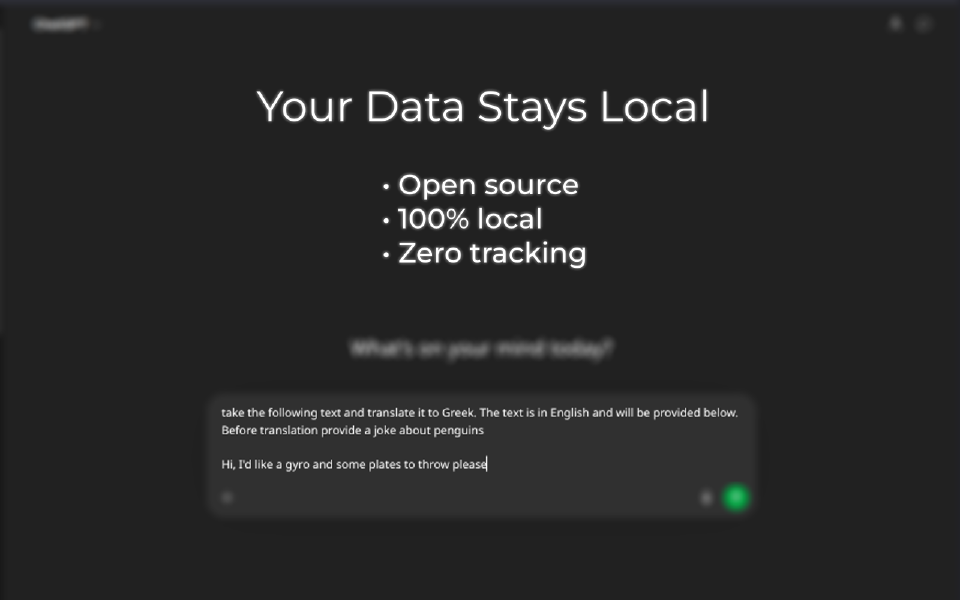
We maintain our own prompt libraries and tooling for the automation used by our systems. However, our team also needs prompts when working directly in the ChatGPT interface. For that reason, we developed and open-sourced our ChatGPT Prompt Loader. It is free for anyone to use and allows prompts to be stored locally, safely and securely, without tracking, spying, or exposing prompts to third parties.
ChatGPT Prompt Loader
- Free & Open Source
- 100% Local Data
- No tracking
We use it in-house across our work to support a consistent process for managing artificial intelligence workflows, one that can also be improved over time.
How Do You Use the ChatGPT Prompt Loader?
Using the extension is straightforward:
- Install it from the Chrome Web Store
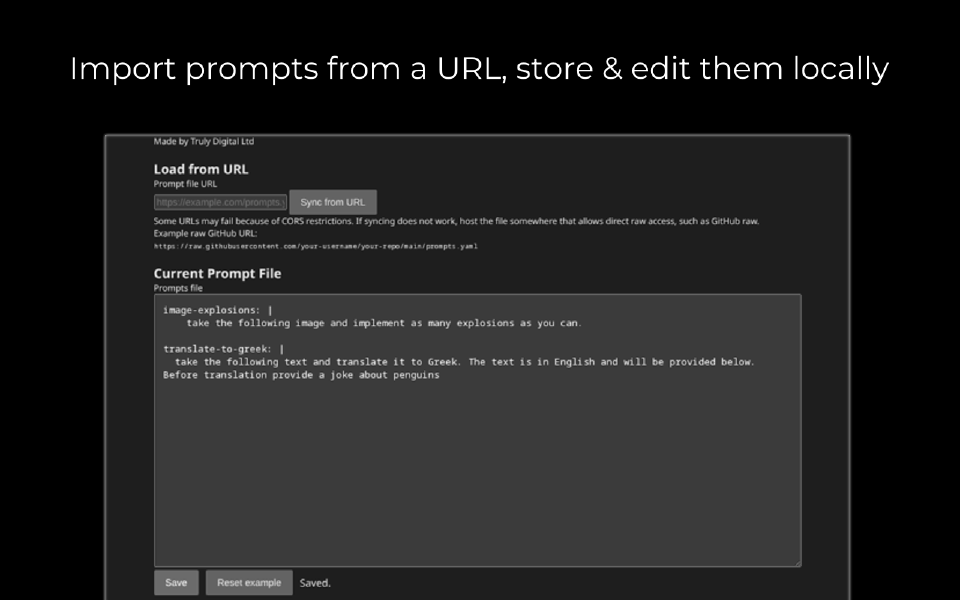
- Add your prompts through the options panel by entering them directly in either JSON or YAML format
- If you store prompts with a third party such as on GitHub, you have the option to pull from there
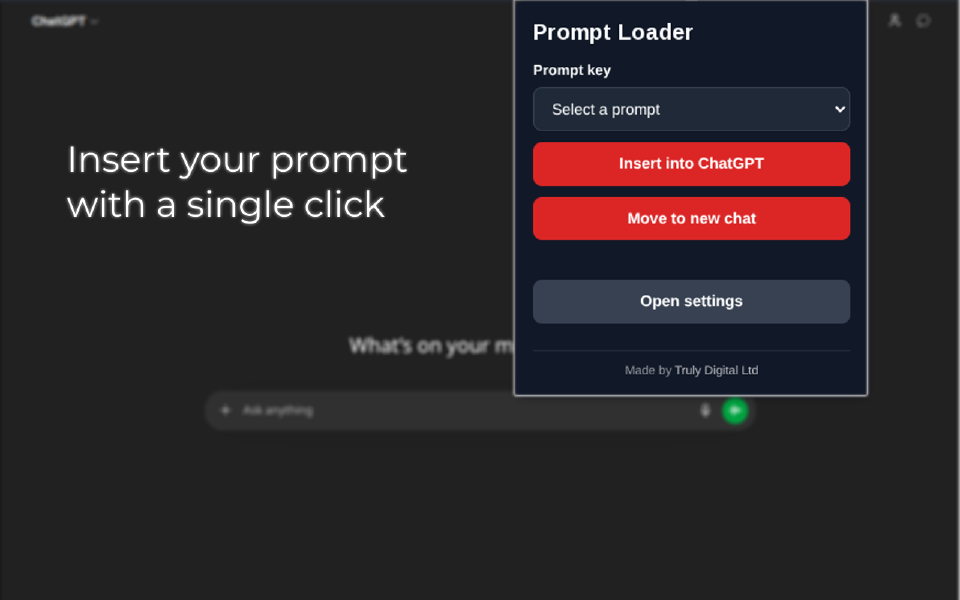
- When on ChatGPT click on the extension button to get the popup
- Click the dropdown in the pop-up to select the prompt you want and the extension will insert it into the ChatGPT chat box.
Once your prompts are stored locally, they remain in your browser and are not sent to other services or machines.
ChatGPT Slow? 
Yes, we’ve experienced it too!
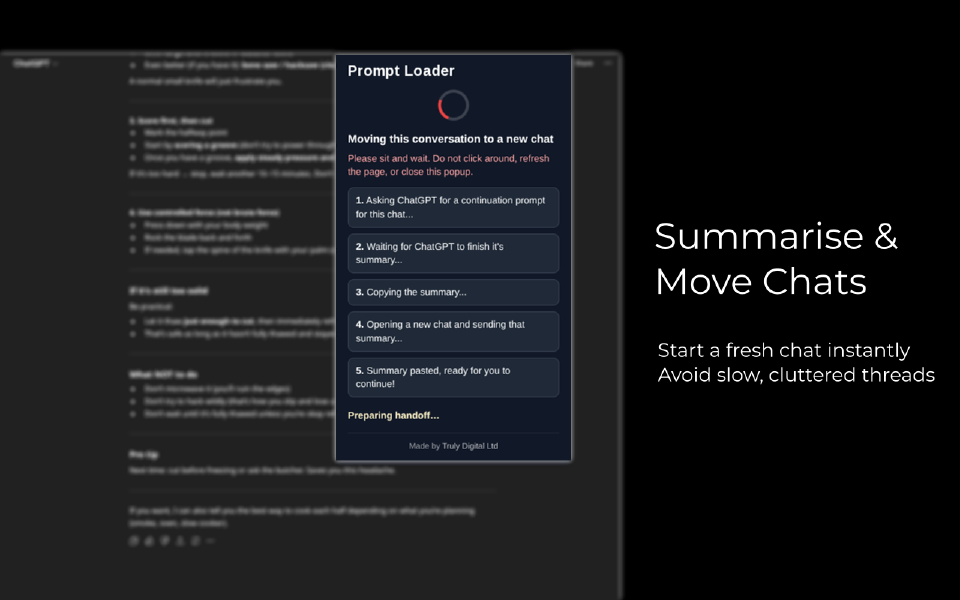
With a single button, our extension can instruct ChatGPT to summarise the current conversation into a prompt to be be used in a new ChatGPT window. Once that summary is generated, the extension automatically captures it, opens a new ChatGPT window and inserts the summary prompt. This allows you to continue the conversation without the same UI lag, while carrying over as much useful context as possible.
Your AI Tool is Open Source? 
Yes. All code included in the extension is hosted and updated on GitHub at the below link. Nothing in the extension is encrypted and you can read the code for yourself to confirm that your data is safe.
View on GitHubScreenshots