Google Analytics is Google’s website and app measurement platform. It helps site owners understand how users interact with their digital properties, but it also plays a much larger role inside Google’s advertising ecosystem.
At a basic level, Google Analytics collects interaction data such as page views, sessions, user engagement, events, device information, traffic sources and conversions. Its strategic value in Google’s portfolio is that Google Analytics as a free product is available and accessible to any user to connect website and app activity to Google’s advertising products. When Google Analytics is linked with Google Ads, Google says advertisers can use Analytics data to create Google Ads conversions, measure ad performance and build audiences for remarketing through the Google Ads integration with Google Analytics.
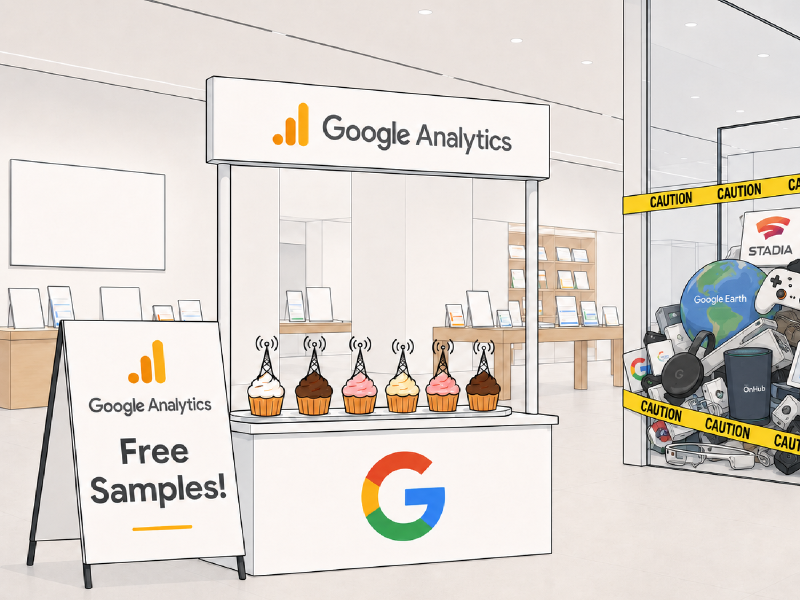
Google Analytics is a measurement layer that helps Google’s advertising platform understand which marketing activity led to user actions, conversions, purchases, leads and other valuable outcomes. Google Analytics was originally a startup called Urchin prior to the company being bought by Google specifically to turn Urchin into a free analytics tool for their advertising platform.
What is Google Analytics 
The current and fourth version of Google Analytics - commonly known as GA4 - is an event-based analytics system. Instead of treating a website visit mainly as a sequence of page views, GA4 measures user activity as a series of events. These events include page views, clicks, form submissions, purchases, video engagement, file downloads, searches and custom events configured by the site owner.
In a standard installation GA4 collects automatically generated events, enhanced measurement events, recommended events and custom events but requires additional configuration for defining and configuring custom events.
How Google Analytics Works 
Google Analytics runs as a “client side” analytics product - this basically means that Google Analytics runs on user (ie. client) devices rather than running on a server.
The way this works is as follows:
- You create a Google Analytics account and property for your website, Google provides you with an ID for that property and a code snippet
- This code snippet is HTML that you add to your website, where HTML is the data that is read by your user’s devices to understand how to run your website
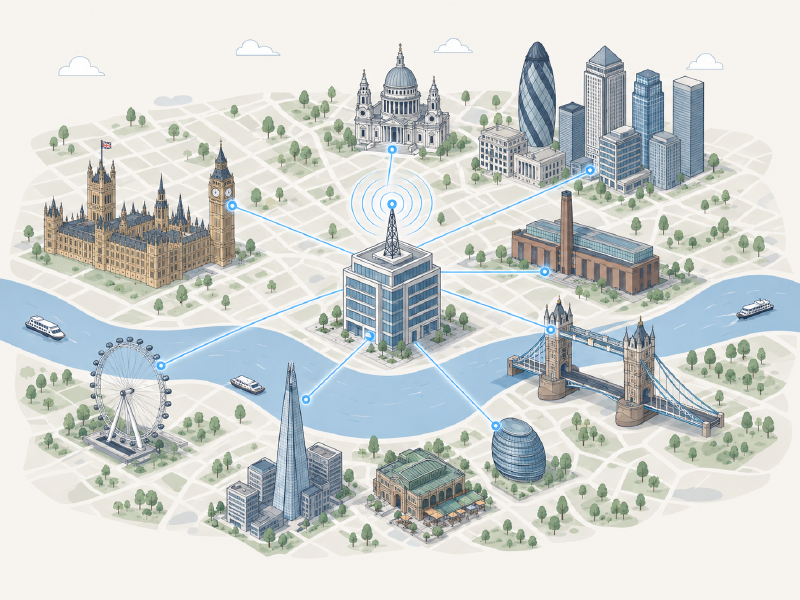
- The code snippet tells your user’s devices to contact Google’s servers and load in the client side code to run Google Analytics and to send all events with your property’s ID
- It also includes the code that you can use to send custom events, confirm user consent and tie Google’s advertising products to your user’s activity
This data helps website owners understand performance, but it also feeds directly into Google’s advertising tools.
How Google Analytics technically operates matters because when a user visits a site or app which has Google Analytics installed that site is instructing the user’s device to connect and load code from Google. In doing so the device directly connects to Google and usually automatically sends information such as the page URL, IP address, preferred language, geolocation and other data.
In practical terms, installing Google Analytics places Google-controlled measurement code into the user’s browsing session. Whether full analytics or advertising measurement happens depends on consent settings and implementation, but the initial browser-level contact with Google can begin as soon as the Google-hosted script is requested.
Consent and Script Loading 
The consent issue is important and needs to be explained carefully as it holds legal weight and differs from country to country.
Google describes two main Consent Mode implementations in its documentation on basic and advanced Consent Mode.
Basic Consent Mode 
Under Basic Consent Mode, Google Analytics is blocked from loading until the user interacts with the consent banner. If the user does not give consent, Google Analytics does not load and no data is transferred to Google.
This is the stricter implementation. In this model, the user’s device is not instructed to download and run Google Analytics fully before consent is resolved.
However, the contact to Google’s services is usually still made and there’s some code run in order to execute the granting of consent. It’s simply that the full analytics code has not run.
There are ways to implement consent without contacting any Google services, however, this requires more technical skill and is non-standard.
Advanced Consent Mode 
Under Advanced Consent Mode, Google Analytics loads when the user opens the website. If the user denies consent, Google says the tags do not store cookies, but they can still send cookieless pings.
According to Google’s own explanation of Consent Mode behaviour, these cookieless pings can include consent state, functional browser information, timestamps, referrer information and other limited data.
Essentially in Advanced Consent Mode the full data set is reduced but the analytics system could be considered functional.
What Happens After Consent 
Once consent allows measurement, Google Analytics begins collecting richer analytics and advertising-related data.
GA4 sends user interactions as events. Each event can include event parameters, which are name-value pairs that describe the action in more detail. For example, a purchase event might include parameters such as transaction value, currency, item name, item category and quantity. A form submission event might include the form name, page location or lead type.
This structure is central to how Google Analytics supports advertising. Events and parameters are not just abstract analytics data, they’re the unique descriptions of each event tied to valuable user actions used for conversion tracking, audience building, campaign optimisation and attribution.
Identifiers and User Recognition 
Google Analytics uses identifiers to distinguish users, sessions, and events. On websites, GA4 uses a first-party “_ga” cookie to store a client ID. Where consent allows, this identifier helps Google Analytics connect multiple events into a user journey. That allows the system to understand that a user viewed a product, returned later, clicked an ad, submitted a form or completed a purchase and to tie this reporting together in Google Analytics’ UI.
Additionally, site owners can also implement User-ID for signed-in users. This is an ID that can be used to identify users directly as part of their agreed usage of the service.
Issues 
A standard Google Analytics installation has a few issues.
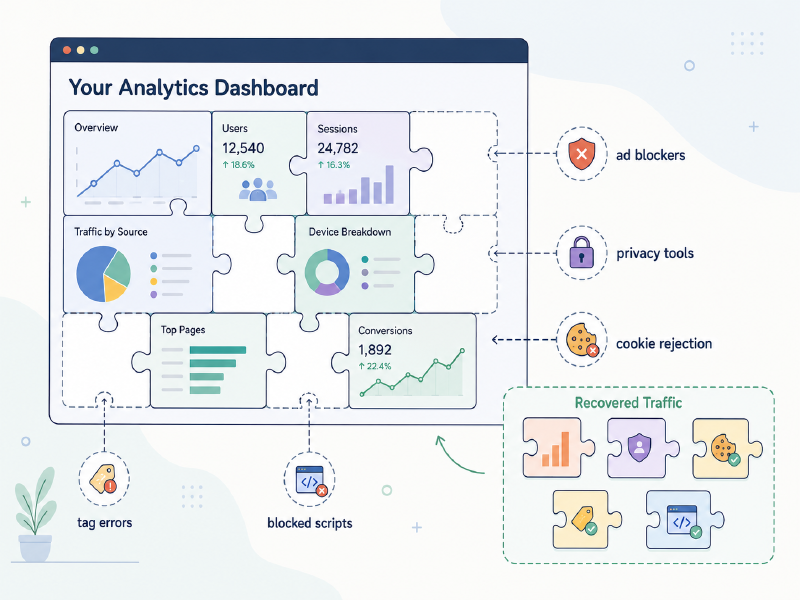
In a standard installation of Google Analytics user devices are instructed to contact Google and execute the Google Analytics code. There’s nothing forcing these user’s devices to actually do this, hence due to ad blockers, network blocking, disabled javascript and other configurations and reasons, the Google Analtics code may never run. This results in an audience gap that can very massively depending on your audience. More security or privacy aware audiences can block the vast majority of traffic.
As Google Analytics is part of Google’s advertising product line it is perfectly fair for users to block connections to Google Analytics to protect themselves from malicious advertising, centralised tracking and more. Google Analytics isn’t free to provide an analytics service, it’s free to provide advertising attribution and tracking.
Whilst Google Analytics comes with a set of regular events and standard data flows this does not and will not fit every business model out there. For any Google Analytics installation to provide appropriate value you would need to include:
- Code in custom events
- Create your reports and flows
- Configure your custom definitions
- Provide your custom data values and code them into your events
- Define your conversions and funnels
- Implement any User IDs that you want tracked
- Ensure adherence to Google’s Data policies such as PII controls
Google Analytics is “free” to use, but it comes with requirements to get the most out of it.
Our product Truly Analytics exists because Google Analytics misses features that we find critical to analytics systems and had to build ourselves:
- Event Hooks: Data going into Google Analytics does not have the potential for realtime propogation to other services. We built this to feed live events into our CRMs
- Network Intelligence: We were not able to tell which traffic was bots, which were residential users and which were professional organisations. Network Intelligence gives us this breakdown from public data.
- First Party Attibution: Google provides attribution for PPC advertising with full support for Google Ads, but only token support for non-PPC referrals.
Truly Analytics exists as a true analytics product to fill in the gaps Google Analytics won’t include as an advertising analytics product.
Google Analytics is part of Google’s advertising platform, therefore it will not provide true privacy to users of our products. This is shown where Google won’t run any analytics at all unless users have provided consent, that is there’s no option for anonymous analytics.
Therefore it’s not possible to capture analytics through Google Analytics for users who wish to be anonymous, which would be most users. We had to build Truly Analytics to cover this gap.
Conclusion 
Google Analytics is a client side analytics service that’s provided by Google to support Google’s advertising services. Whilst free the product does have some major drawbacks which tools like Truly Analytics provide to fill the gap. Knowing how Google Analytics works and why it’s the way it is will help you make an informed decision as to whether it’ll help give you the visibility you’re looking for in your analytics.
Truly Analytics has a free trial with no obligation so you can witness first hand what your standard Google Analytics installation is missing:
Start your free trial
No obligation, free 3-day trial that runs alongside your current Google Analytics setup